Wedding planning has a way of turning your inbox into a help desk.
What time should we arrive? Where is the reception? Is there parking? Where should we stay? Do you have a registry?
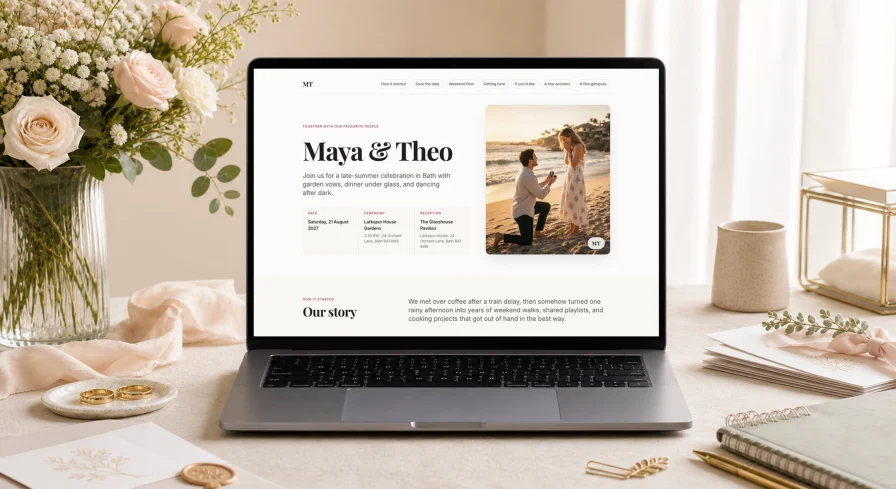
Wedlock now includes a free wedding website.
You can now create a shareable site for your guests from inside your planner, preview it while you work, and publish it when you’re ready.
What you can add
Your wedding website can include:
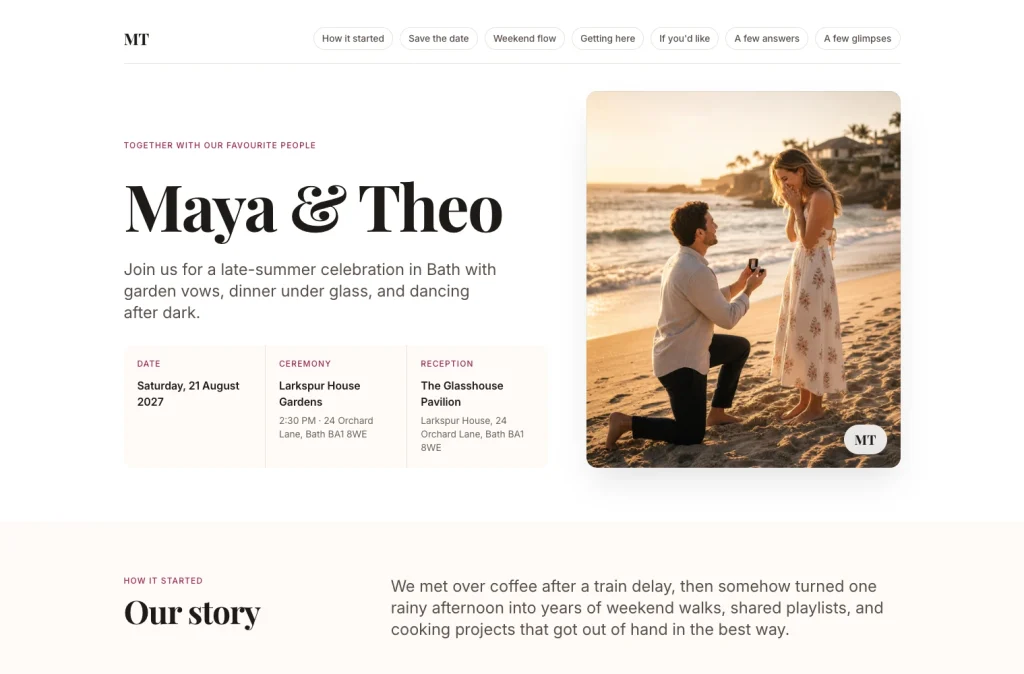
- A hero image and short introduction
- Your story
- Date, ceremony, and reception details
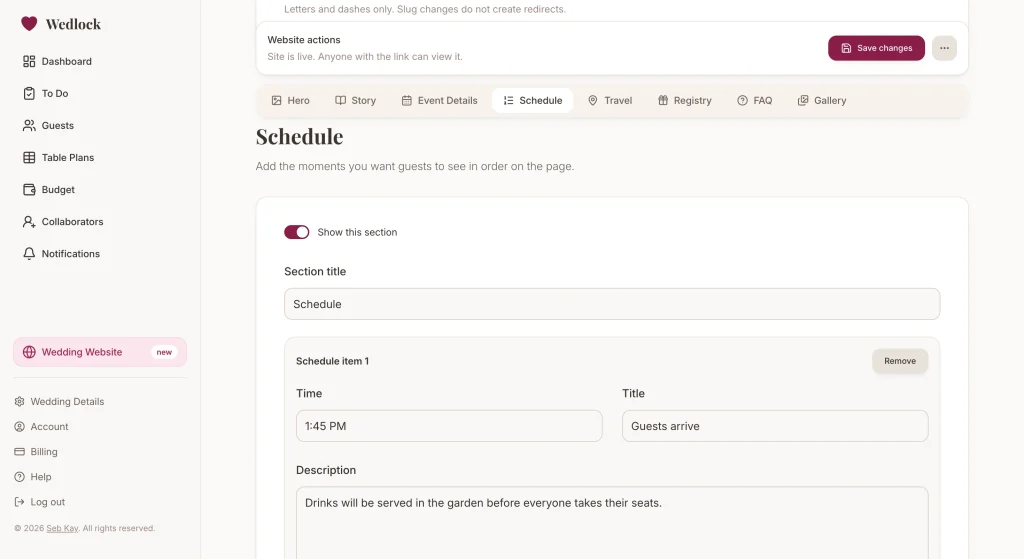
- A schedule for the day or weekend
- Travel and accommodation notes
- Registry links
- Guest FAQs
- A photo gallery
You can turn sections on or off, so the page can stay simple if you only need the basics.
Preview before guests see it
The website editor includes a private preview link, so you can check how everything looks before sharing it.
When you’re happy with it, publish the site and send guests your public URL. You can also edit the slug, which makes the link easier to share.
Choose who can see it
Not every couple wants their wedding details fully public.
Wedlock now lets you choose between:
- Anyone with the link
- Password-protected access
If you choose password protection, guests will need the password before they can view the site.
Use your existing wedding details
Your date, ceremony, and reception information can come from the wedding details already saved in Wedlock. The rest of the page is edited section by section in the website editor.
That means less duplicate typing, and fewer places to update when something changes.
Available in Wedlock
Wedding websites are available now in Wedlock.
Open your planner, go to Wedding Website, add the details you want guests to see, then preview and publish when you’re ready.