Wedding planning template
Wedding guest list template
Start with names and groups, then move into RSVP tracking, meal notes, and table assignments.
Start planning freeTemplate
Build a guest list that works past the first draft
Start with names and groups, then move into RSVP tracking, meal notes, and table assignments.
-
1
List every possible guest
Start broad before cutting down. Include full names, partners, children, evening guests, and anyone who still needs a decision.
-
2
Group guests clearly
Use groups such as family, friends, wedding party, work, children, evening only, or supplier meals so filtering stays useful.
-
3
Mark invitation status
Track who is on the save-the-date list, who has been invited, who still needs an address, and who is not being invited.
-
4
Capture RSVP details
Keep accepted, declined, pending, dietary notes, plus-ones, and accessibility notes next to the guest record.
-
5
Prepare for seating
Add table preferences, relationship notes, and conflicts before you start dragging names around a seating plan.
-
6
Move the live list into Wedlock
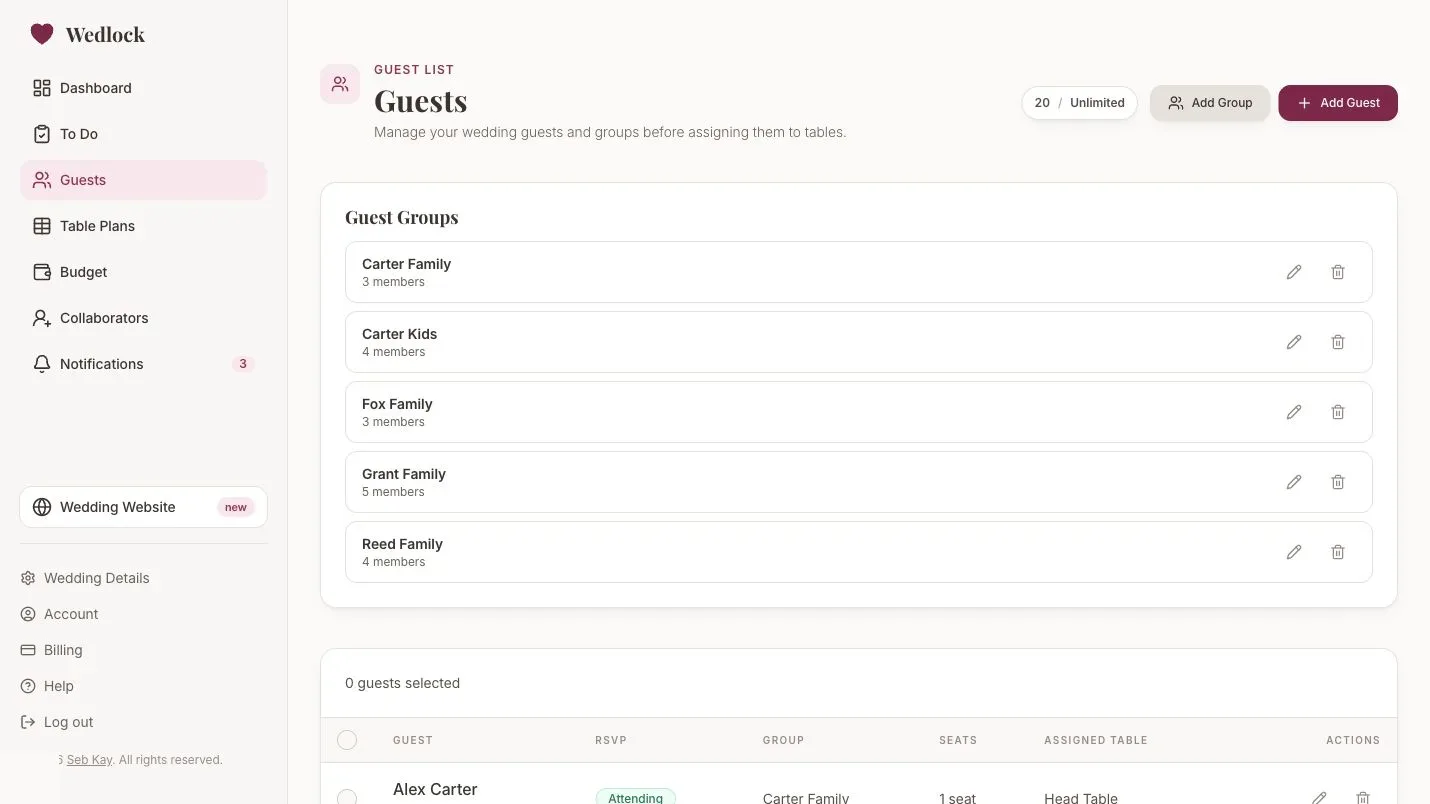
Once replies start coming in, use Wedlock to connect guests, RSVPs, dietary notes, groups, and table assignments.
Inside Wedlock
Move the live version into the planner
Use the template as a starting point, then keep the working plan connected inside Wedlock as details change.
- Start from the template Bring the important names, costs, tasks, tables, or notes into the app.
- Keep changes connected Use Wedlock for the details that affect more than one part of the plan.
- Share the live plan Collaborators can work from the same source instead of passing files around.
Related feature