Wedding planning template
Wedding seating plan template
Move from a rough seating idea to real table assignments with connected guest data.
Start planning freeTemplate
Plan tables without rebuilding the guest list
Move from a rough seating idea to real table assignments with connected guest data.
-
1
Confirm the room layout
Start with the venue shape, table sizes, top table position, dance floor, doors, bar, and any areas guests need to avoid.
-
2
Choose table names or numbers
Name each table early so assignments, supplier notes, and printed stationery all use the same reference.
-
3
Set realistic capacities
Add the maximum seats for each table, then leave room for high chairs, accessibility needs, and late changes.
-
4
Assign guests by group
Seat families, friends, wedding party, and children in groups first, then adjust for relationships and venue flow.
-
5
Check the awkward details
Review dietary requirements, accessibility, family dynamics, children, speeches, and anyone who needs to be near or away from someone else.
-
6
Move the live plan into Wedlock
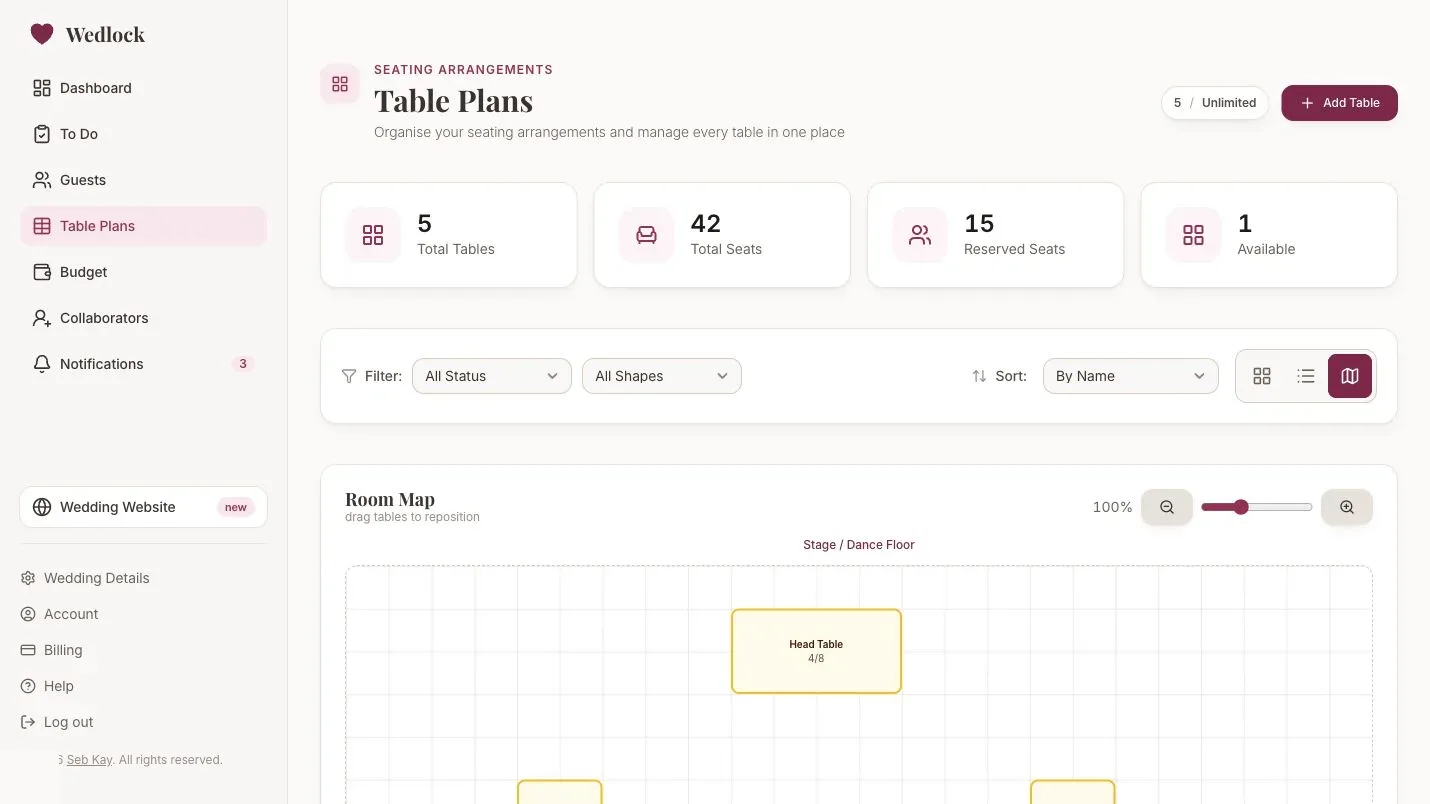
When guests change their RSVP or tables move, use Wedlock to keep the seating plan connected to the current guest list.
Inside Wedlock
Move the live version into the planner
Use the template as a starting point, then keep the working plan connected inside Wedlock as details change.
- Start from the template Bring the important names, costs, tasks, tables, or notes into the app.
- Keep changes connected Use Wedlock for the details that affect more than one part of the plan.
- Share the live plan Collaborators can work from the same source instead of passing files around.
Related feature