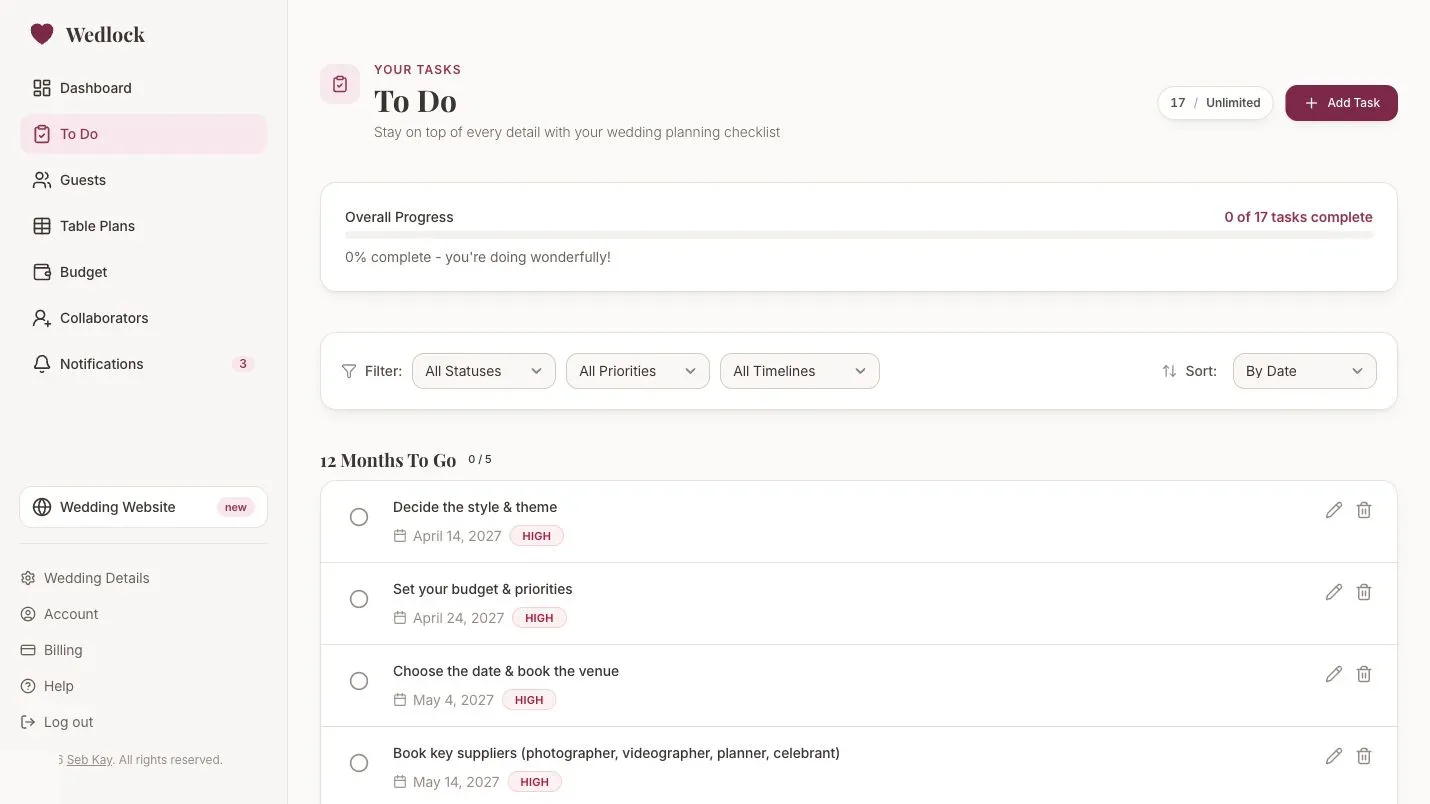
Who’s checking with the florist? Who’s sorting the invitations? You can now assign tasks in Wedlock so the people helping with your wedding can see which jobs they’re taking care of.
Tasks can belong to one person or several people working together. Use My tasks to find your own jobs, or look at someone else’s assignments when you’re checking the plan together.
Choose who’s taking care of a task
Open To Do, then add a task or click an existing task’s title to edit it. Under Assigned to, choose everyone responsible and save your changes.
You can choose yourself as the wedding owner or anyone who has accepted a collaborator invitation and still has access to your wedding. If your partner or someone else is helping, invite them as a collaborator first. Pending invitations won’t appear in the list.
Some jobs need more than one person. Assign a venue visit to both of you, for example, and it will appear in My tasks for each of you. There’s still one task to complete, so marking it done updates the shared checklist for everyone.
You can leave a task unassigned while you decide who’ll do it. Existing tasks stay unassigned until you choose someone, and you can change or clear assignments later.
Find your jobs with My tasks
In To Do, open the Assigned to filter and choose My tasks. It includes tasks assigned just to you and ones you’re sharing with someone else.
Choose Unassigned to find jobs that still need someone, select a person to see their tasks, or use Everyone to return to the full wedding list. You can combine these views with the existing search, status, priority and timeline filters.
Your overall progress still covers the whole wedding, even when you’re looking at one person’s tasks.
Keep the checklist shared
Assignments show responsibility. Everyone with task access can still see, edit and complete the shared tasks, including jobs assigned to someone else. My tasks is a filter on that list, not a private checklist.
You’ll also see assignments on task cards on the Dashboard and supplier pages. If someone leaves the wedding workspace, their assignments are removed. The tasks, any other assignees and completed work stay in place.
Use it with your existing plan
Task assignment is available within your existing task and collaborator limits. Free includes up to 25 tasks; Complete includes unlimited tasks and lets you invite collaborators. There’s no separate task-assignment upgrade.
Open your To Do list, or see how the wedding checklist works.